
What State After G3 means
G3 is the mechanical-off state after AC input is removed. Firmware may label the recovery option State After G3, Restore AC Power Loss, AC Power Recovery or After Power Failure.
On the tested EQi12, the choices were S0 State and S5 State. S0 tells the machine to boot when power returns; S5 leaves it off.
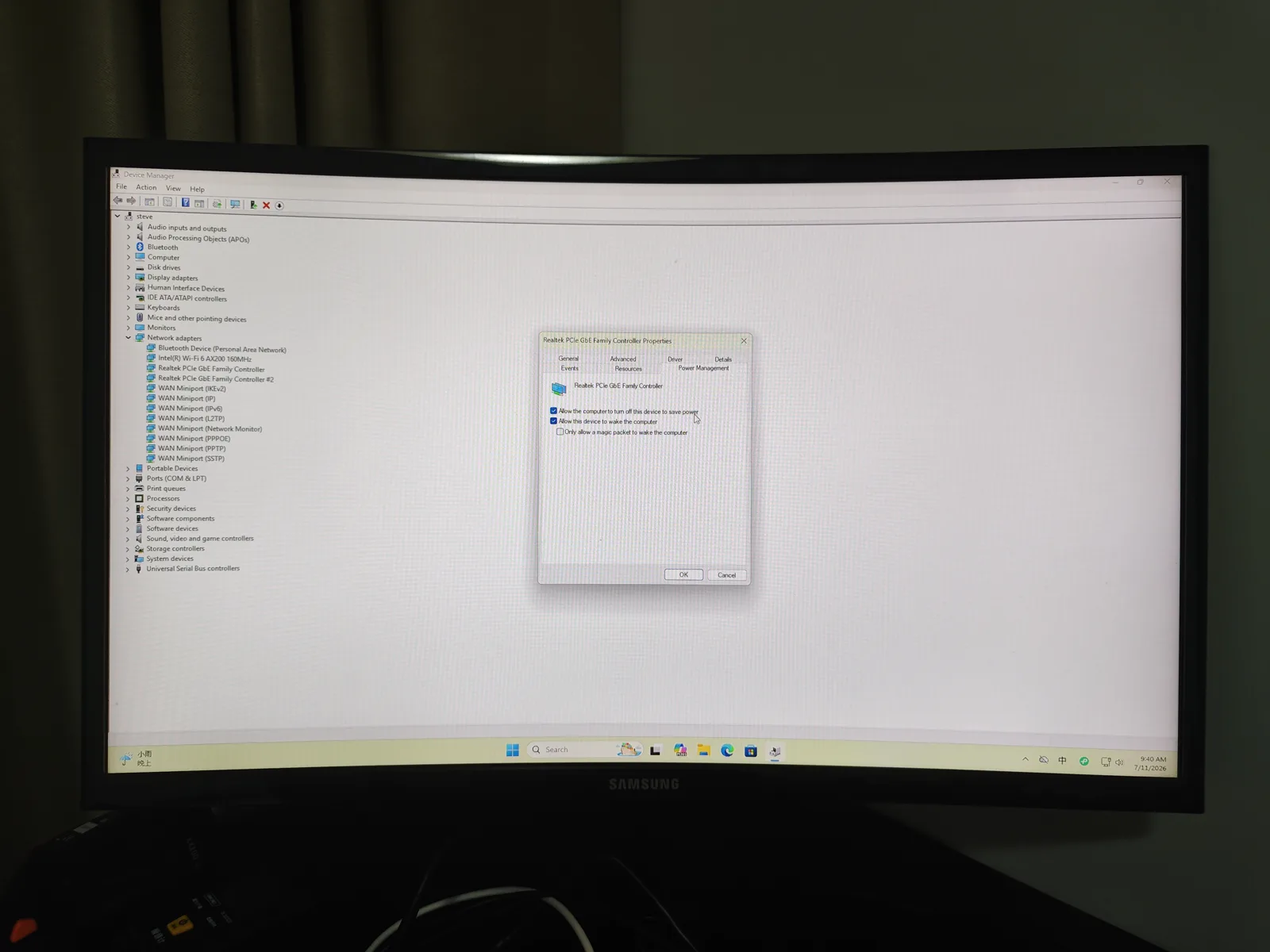
This setting controls what happens after electricity returns. It does not make an abrupt outage safe, save database writes, or guarantee that Windows and services recover correctly. It is also a different mechanism from network wake: State After G3 fires on physical AC restoration, while Wake-on-LAN needs the right S5 wake sources armed in firmware.
Before changing the setting
Photograph the current firmware page and record the BIOS version. Confirm that Windows and applications can survive an ordinary restart before introducing physical power removal.
A database writing to disk can be damaged by uncontrolled outages. Automatic boot is a recovery feature, not a substitute for a UPS, application-aware backups or graceful shutdown.
Configure the EQi12
Enter AMI Aptio Setup during boot. On our unit, State After G3 was under the Chipset/PCH-IO area. Select S0 State, save changes and exit.
After Windows starts, re-enter BIOS once and verify that S0 persisted. Then boot normally and confirm network, Docker and application health.
Three-cycle physical test
For each cycle:
- Start from a healthy Windows and application state.
- Record the time and current application health.
- Remove AC input using a controlled switch or unplug at the meter.
- Wait long enough for standby power to disappear.
- Restore AC input.
- Confirm automatic power-on without pressing the button.
- Measure time to Windows, network and required services.
- Save logs before repeating.
The EQi12 passed all three cycles. Jellyfin returned in about 40.77 seconds on average.
Use a result table instead of relying on memory:
| Cycle | Powered on automatically | Network ready | Required service ready | Errors retained |
|---|---|---|---|---|
| 1 | Pass/fail | Seconds | Seconds | Event/log reference |
| 2 | Pass/fail | Seconds | Seconds | Event/log reference |
| 3 | Pass/fail | Seconds | Seconds | Event/log reference |
The completion time should be measured to the service users need, not to the firmware logo or Windows desktop.
Compressed web copy from the original physical power-removal, restoration and startup evidence.
Full AC recovery process from a second recording: power cable disconnected, all LEDs off, power restored, system boots automatically with State After G3 set to S0. No button press or keyboard input required.
Verify service state, not only the desktop
A visible Windows desktop does not mean the server is ready. Check:
- Ethernet link and IP address;
- Docker engine availability;
- required containers;
- HTTP health endpoints;
- PostgreSQL and Redis readiness;
- Jellyfin health or library page;
- event logs for unexpected storage or boot errors.
Our recovery timing used application readiness rather than the first boot logo.
UPS and data integrity
Use a UPS when the server stores irreplaceable data. Configure the UPS software to shut the host down before battery exhaustion. Then use State After G3 to return after utility power is stable.
Test application backups separately. Our PostgreSQL and Redis restore tests were successful only after using a binary-safe Redis path; a power-recovery pass cannot replace that restore evidence.
When not to use automatic boot
Leave the system in S5 after power return if equipment requires inspection, cooling may be unavailable, network storage must start first, or automatic restart would create a safety risk.
The correct firmware value depends on the service design. The verified result here is that S0 recovery worked 3/3 on the tested EQi12鈥攏ot that every mini PC or power environment behaves identically.
Common failure patterns
- The PC stays off: confirm the saved State After G3 value, then verify that standby power was fully removed before the test.
- Windows starts but the server is unreachable: check the active Ethernet link, DHCP reservation, firewall profile and service bind address.
- Docker starts but an application fails: inspect dependency health and persistent volumes rather than adding a blind startup delay.
- Recovery works once but not repeatedly: retain event logs and repeat with the same outage duration; one pass is not reliability evidence.
- The system powers on before storage or networking: change startup dependencies or leave recovery disabled until the boot order is safe.
Owner reports: G3 behaviour differs by model and by label
The setting name is not standardised, and that is the single most common reason a machine does not come back after an outage. The same behaviour is exposed under at least three different names depending on the vendor, and the value meanings are not interchangeable:
| Vendor family | Reported menu path | Reported option labels |
|---|---|---|
| Beelink | Advanced → Power Management Configuration → Restore AC Power Loss | Power On, Power Off, Last State |
| Minisforum | Chipset → PCH-IO → State After G3 | S0, S5, Last State |
| GMKtec | Advanced → ACPI → Restore AC Power Loss | Power On, Power Off, Last State |
S0 and Power On are the values that produce automatic return. Third-party guidance for this class of hardware reports that many units ship with this set to Last State or Stay Off, which is why a machine that was running when the power failed does not come back — the firmware has been told to do nothing, and it complies.
Two further reports recur in owner threads and are worth checking before you conclude the setting is broken:
- The firmware exposes the option but does not honour it. Low-cost mini PC firmware quality varies widely on this class of hardware, and users report settings under power and performance menus that appear to have no effect. Verify with a physical three-cycle test rather than trusting the label.
- A smart plug or switched outlet defeats the test. If the AC input is cut by a switch that stays off, or restored by something that cycles twice, the machine and the test disagree about what happened. Record the outage method alongside the result.
This is why the page above insists on a physical cycle and a recorded denominator. A menu value is a claim; a three-out-of-three physical test is evidence. If your board uses a different label again, photograph the menu and treat the value semantics, not the wording, as the thing to verify.
What to record for another mini PC
Photograph the exact menu and BIOS revision because names vary by vendor. Record whether the option offers Power On, Power Off, Last State, S0, or S5; these labels are not interchangeable. Then run the same controlled physical cycles and publish the denominator.
Related recovery work
Combine this setting with the Windows home-server recovery test and Realtek Wake-on-LAN guide so power recovery and remote wake are verified separately. If the machine powers on after an outage but magic packets still do nothing, work through the complete WOL failure cause list or run the interactive WOL troubleshooter — the two features fail for different reasons. For a deeper explanation of every G3 option and how different BIOS vendors label this setting, see the AMI BIOS State After G3 guide. To prepare your own machine before the first outage, generate an ordered plan with the power outage recovery checklist — it covers firmware, UPS protection, service auto-start and this same three-cycle validation standard.